
Xero Foundation online course
Set up Xero
the bookkeeper way
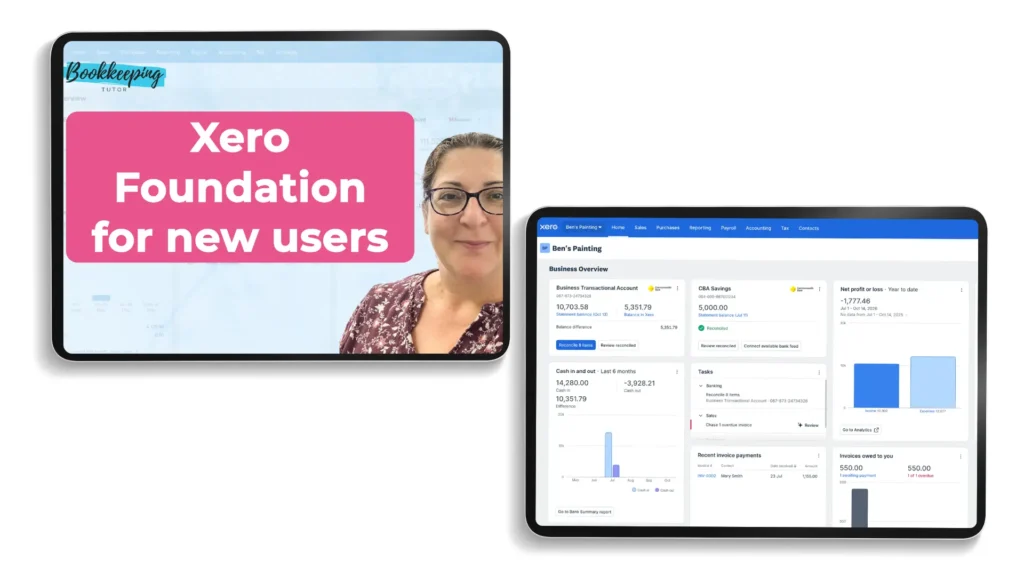
A free, step-by-step course for Australian small business owners. Follow along as we set up Ben’s Painting’s Xero file from the first login to the first financial reports.
Free registration | Self-paced video lessons | No Xero experience required
New to Xero? Not sure where to begin, which settings matter, or how everything fits together?
This free course will guide you through the essential settings and everyday tasks in Xero, with practical demonstrations and clear explanations along the way.
We’ll take our time, work through real-world examples, and focus on getting the foundations right from the beginning.
Who is this course for?
Small business owners
who want
- to manage their own bookkeeping in Xero
- to rely less on a bookkeeper for everyday tasks
- meaningful financial reports to help make business decisions
Aspiring bookkeepers
who want
- practical Xero experience while learning bookkeeping
- to understand how everyday transactions are recorded in Xero
- to build the skills to manage Xero files for future clients
Anyone who moves to Xero from another system
who want
- to learn how to configure your new Xero file correctly
- to understand how to bring across opening balances and existing records
- to discover how familiar bookkeeping tasks work in Xero.
Learn Xero with a bookkeeper by your side
This isn’t just another collection of Xero tutorials.
It’s a guided learning experience that connects the everyday tasks with the bookkeeping knowledge behind them.
Practical, step-by-step walkthroughs
Follow along in Xero as we work through the settings, invoices, bills, bank transactions and reports.
See exactly where to click and what to do.
One business, from beginning to end
We’ll follow Ben’s Painting throughout the course.
You’ll see how each step connects to the next, rather than jumping between unrelated examples.
More than just clicking buttons
Learn why certain settings and bookkeeping decisions matter, how they affect your reports, and what to check before moving on.
The aim is to help you understand what you’re doing, so you can apply what you’ve learned to your own business or bookkeeping work.
Who is this course for?
Small business owners
who want
- to manage their own bookkeeping in Xero
- to rely less on a bookkeeper for everyday tasks
- meaningful financial reports to help make business decisions
Aspiring bookkeepers
who want
- practical Xero experience while learning bookkeeping
- to understand how everyday transactions are recorded in Xero
- to build the skills to manage Xero files for future clients
Anyone who moves to Xero from another system
who want
- to learn how to configure your new Xero file correctly
- to understand how to bring across opening balances and existing records
- to discover how familiar bookkeeping tasks work in Xero.
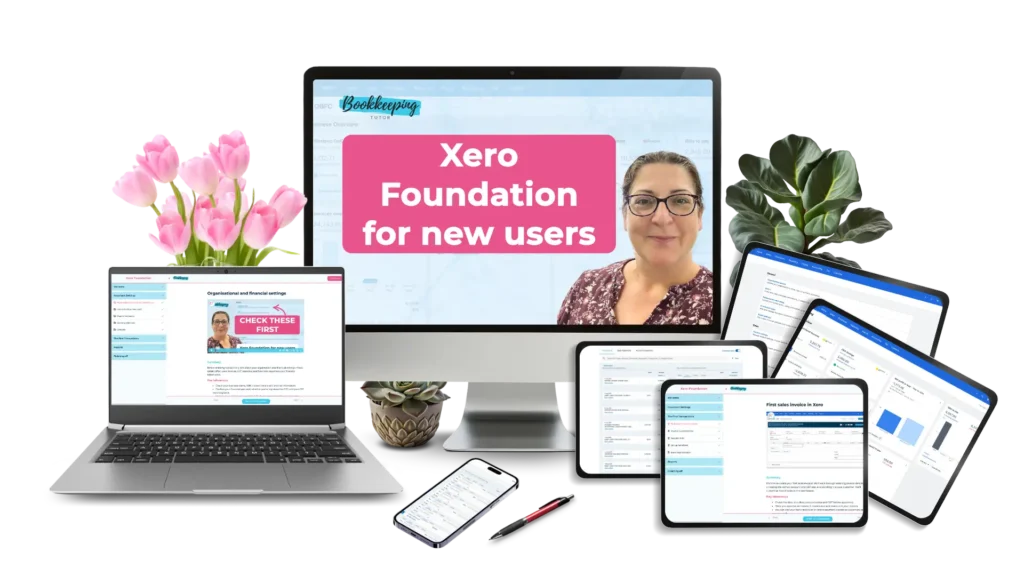
What you’ll find inside
Lesson 1
Getting started with Xero
Lesson 2
Organisation and financial settings
Lesson 3
Chart of Accounts
Lesson 4
Opening Balances
Lesson 5
Contacts
Lesson 6
Sales invoices
Lesson 7
Supplier bills
Lesson 8
Bank feed and reconciliation
Lesson 9
Financial reports

Why learn with Bookkeeping Tutor?
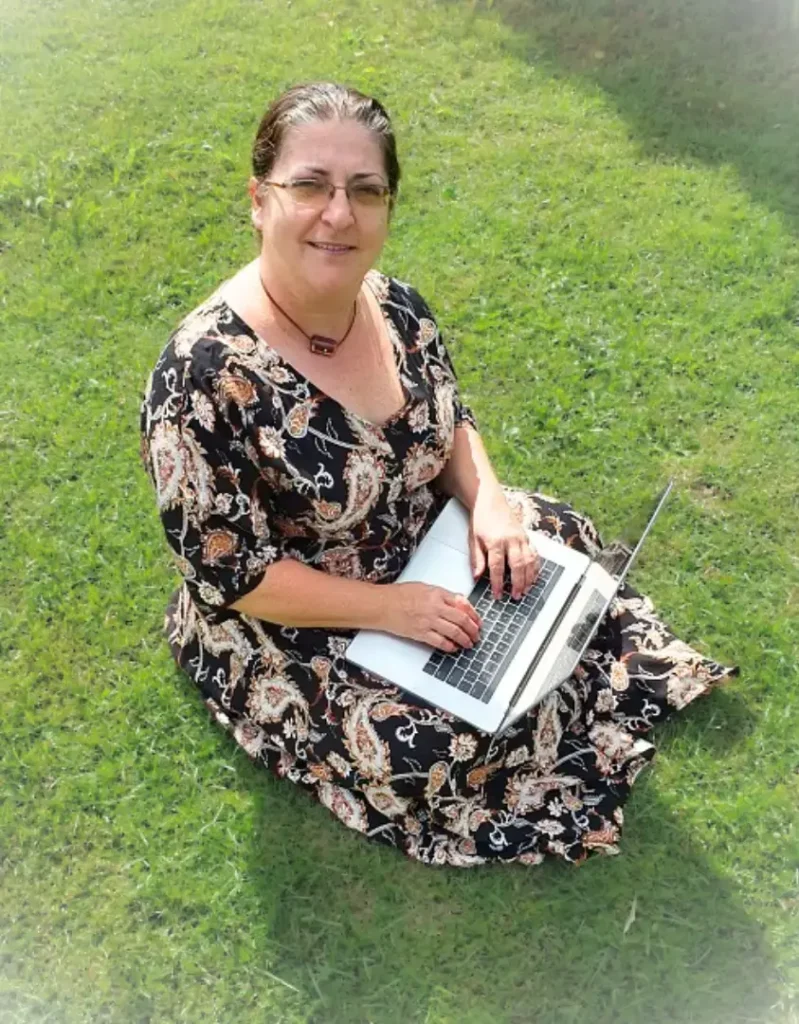
I’m Kristy!
the person behind Bookkeeping Tutor
I’m an accountant and bookkeeper with over 20 years of experience in finance, including many years working with Xero.
I’ve seen how small setup decisions and everyday bookkeeping habits can make a big difference to the quality of financial records and reports
… and that’s why I created this training!
I don’t believe you need to become an accountant to use Xero. But I do believe you should understand enough about what you’re recording to recognise when something doesn’t look right.
My teaching approach combines practical screen walkthroughs with the bookkeeping explanations why particular choices matter.
No rushing through everything in 20 minutes. No unnecessary accounting jargon. Just clear, practical training to help you build your confidence in using Xero, one lesson at a time.

Frequently Asked Questions
How does it work?
Easy ☺️
After signup, you’ll instantly have access to the Learning Platform, where you can find the Xero Foundation course.
Though the Learning Platform is quite self-explanatory, there’s an introductory video about its features.
How long is the course?
The course is self-paced, so you can take as long as you need.
The total length of the video lessons in Xero Foundation is over 90 minutes.
Who is this course for?
This course is designed for anyone who wants to learn Xero basics.
Whether you’re a small business owner, a student, or an aspiring bookkeeper learning Xero, this course will provide you with the foundational knowledge you need.
Do I need any prior knowledge?
No prior knowledge of Xero is required. Though, some basic bookkeeping or accounting knowledge is useful. I am not going to explain what is revenue or expense.
Most importantly, what you need the most is willingness to learn.
Do I need a Xero subscription?
You can watch the lessons without a Xero subscription. However, you will need access to a Xero organisation if you want to practise the steps yourself.
If you are not signed up for Xero yet, you can do so using my referral link here: you’ll get 90% off for 6 months.
Is the course really free?
Yes, the course is completely free. There’s nothing to pay and no card details needed.
I already use Xero. Is it still useful?
Yes unless you’re proficient in Xero.
Skip the sign-up part, but check the settings lessons as that’s where I see the most problems.
How long do I have access to the course?
Once you enrol, you’ll have lifetime access to the Xero Foundation course.
Please read T&C for more details and what exactly lifetime access means.
Do I get a certificate?
No. This course is about getting your own Xero file set up properly, so there’s no certificate.
I’m not in Australia. Can I still use it?
Yes, but the course follows Australian version of Xero and I’m talking about the Australian rules, so you need to adapt the steps to your country.
What if I have questions during the course?
I’m always here to help.
You can reach out to me and ask questions
- in the lesson’s comment section;
- through the contact form available on Dashboard of the Learning Platform;
- via email to tutor@bookkeepingtutor.com.au
Client love
Become a confident Xero user
Your Xero reports won’t magically give you the information you need to make business decisions.
(Well, with the right setup and a little bookkeeping know-how, they actually might. 😉)